Upload a photo
Add one or more photos. Describe the change you want. AI creates a new image in one click.
Free online AI photo editor to edit, erase, and enhance images instantly.
Saved only in this browser. History is kept for 15 days.
Generated results will appear here
Generating image...
AI Photo Editor is a free online AI photo editor for image-to-image edits. Upload a photo, describe the change, and restore or enhance that same image in 1 click instead of generating a new scene from text only.
Add one or more photos. Describe the change you want. AI creates a new image in one click.
This is image-to-image editing. Change clothes, add a person, delete unwanted objects, remove backgrounds, or restore photos while keeping the original photo as the source.
No desktop software is required. Edit, generate art, and enhance images instantly on a computer, tablet, or phone.
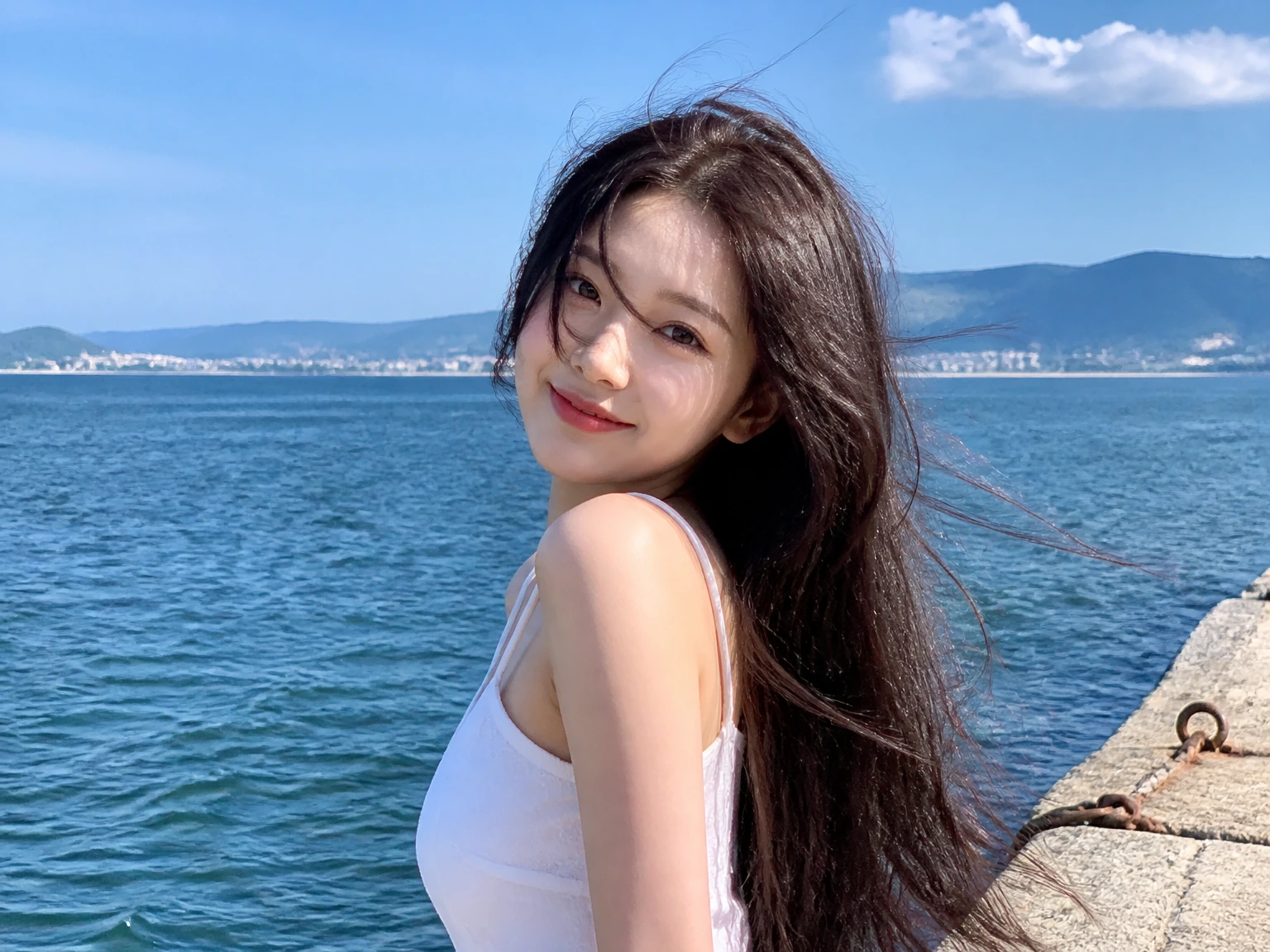
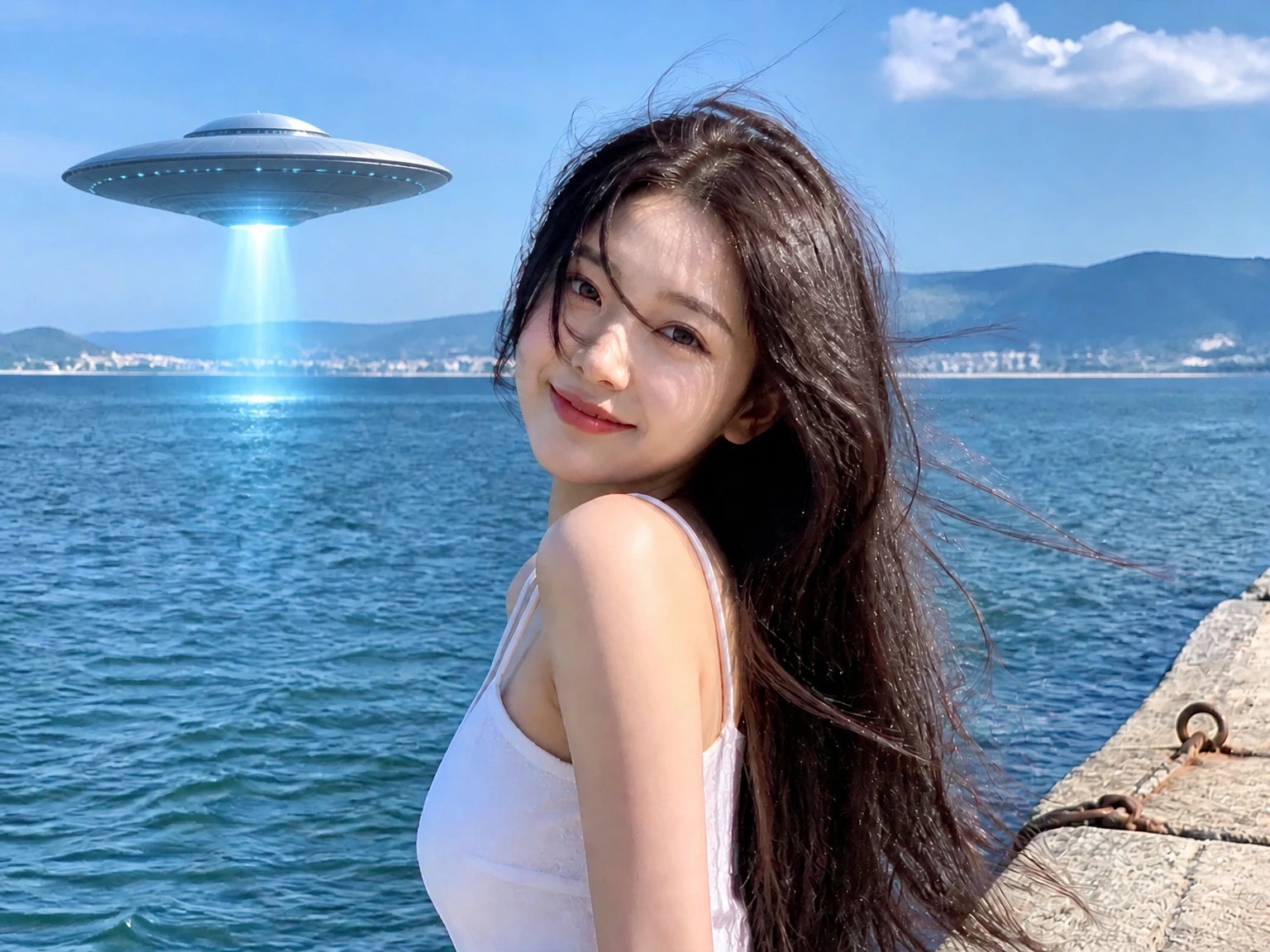
Add a metallic UFO with a glowing blue beam over the sea on the left. Keep the woman, her face, hair, white top, pier, mountains, sky, and sea the same.
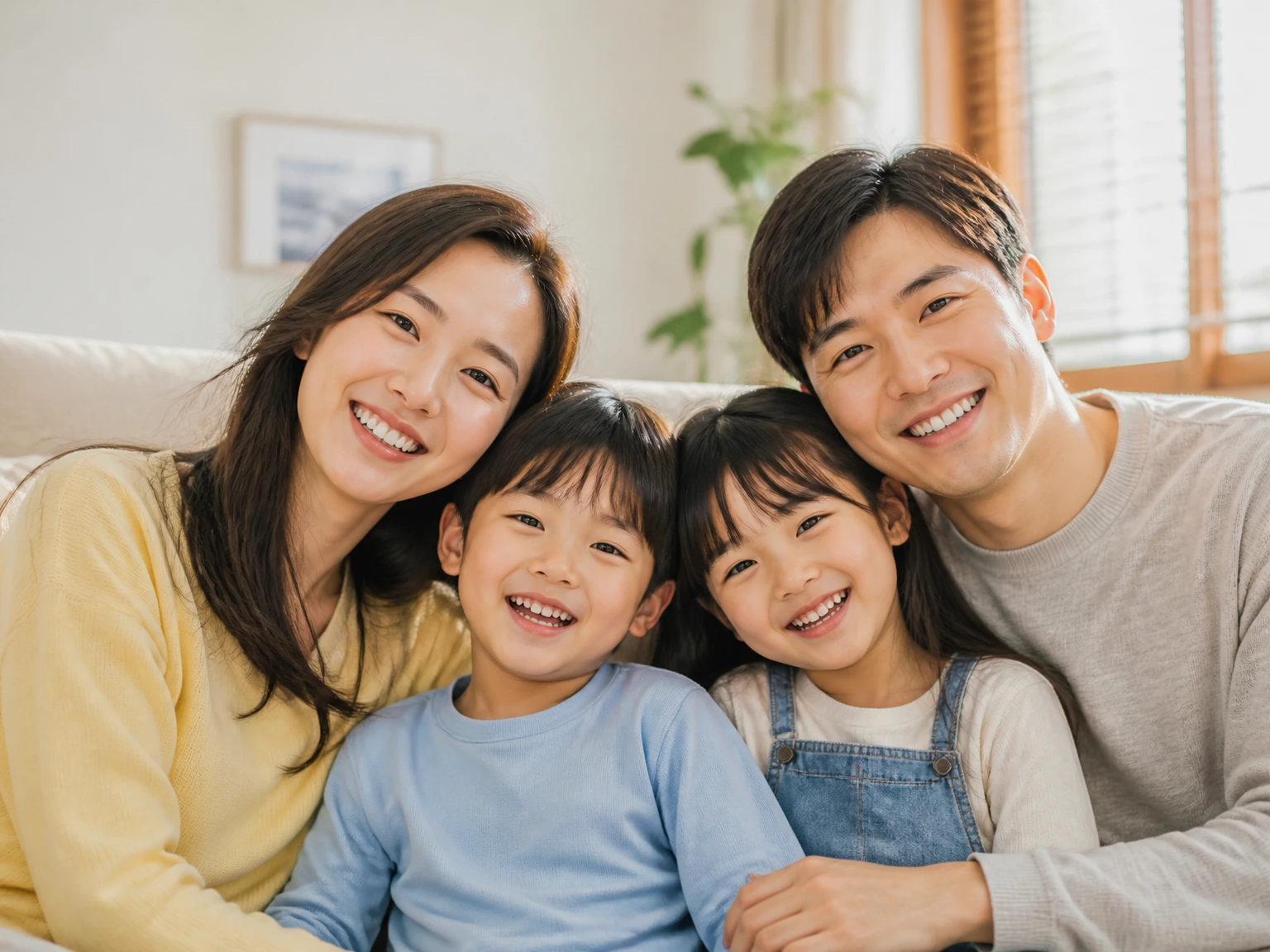
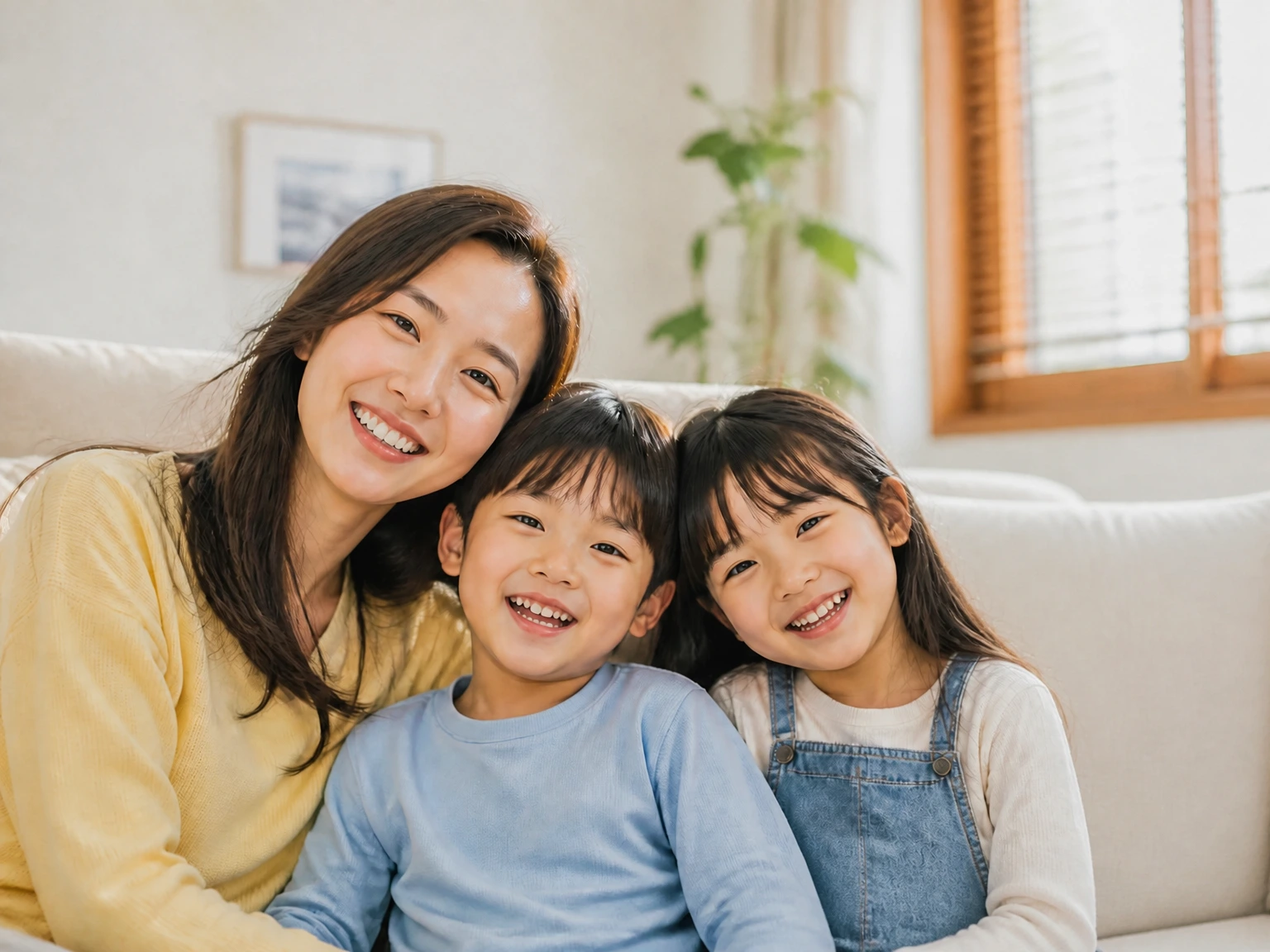
Add a smiling father in a light gray sweater on the right of the sofa, next to the girl. Keep the mother, the two children, their faces, clothes, sofa, plant, and window the same.
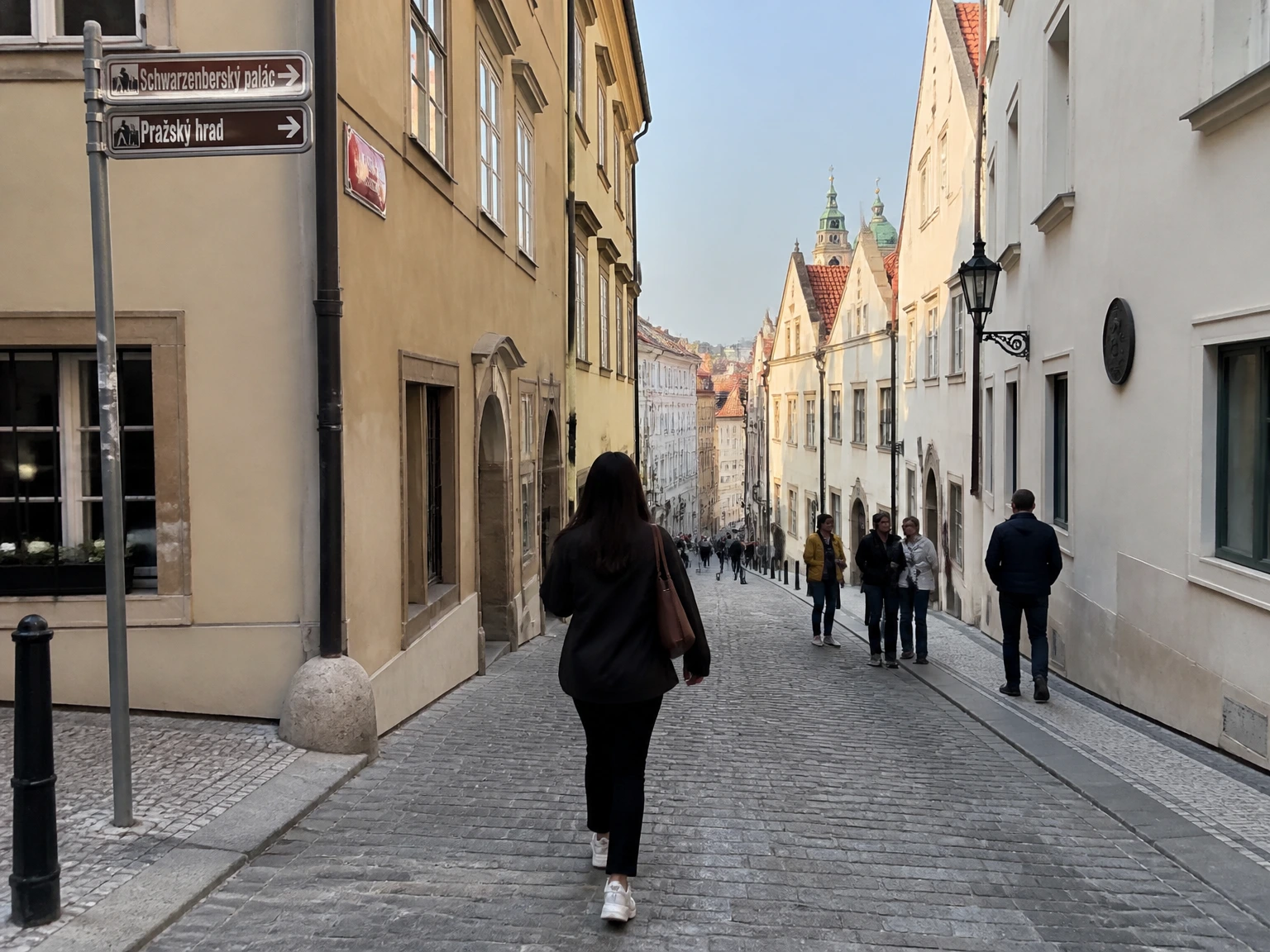
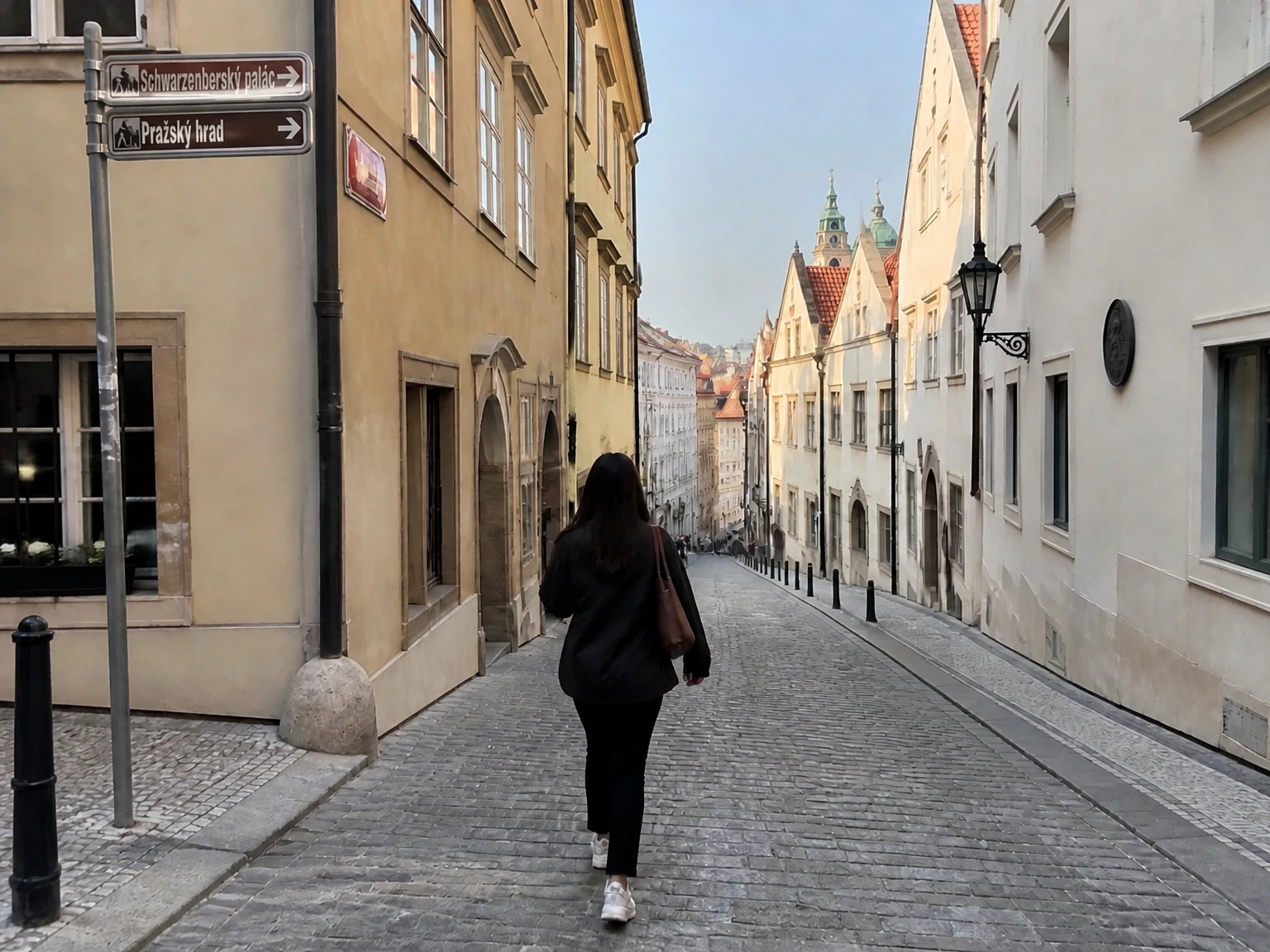
Remove the people standing on the right side of the street. Keep the woman walking in the center, the cobblestone street, buildings, street signs, lamp, and sky the same.
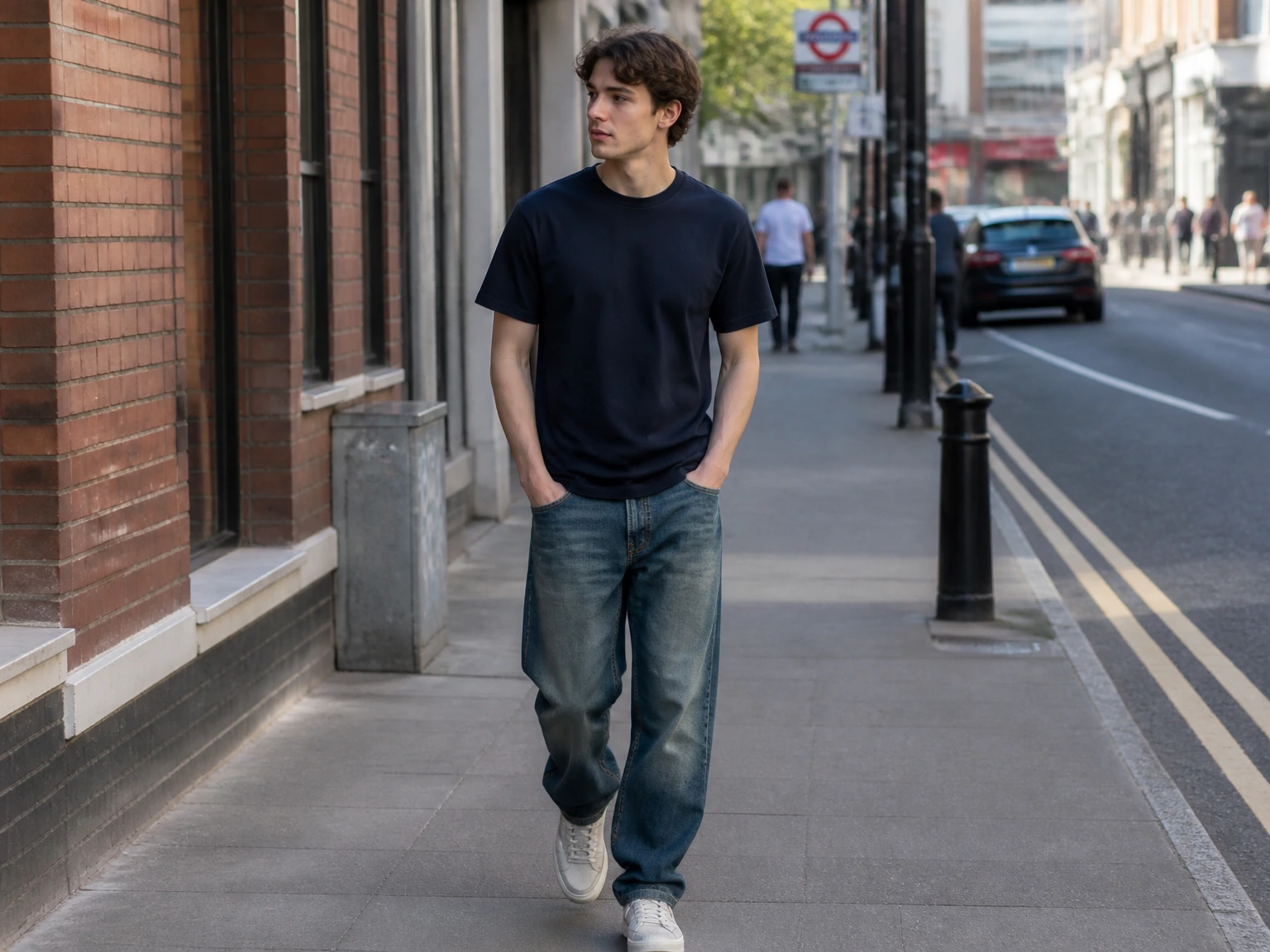
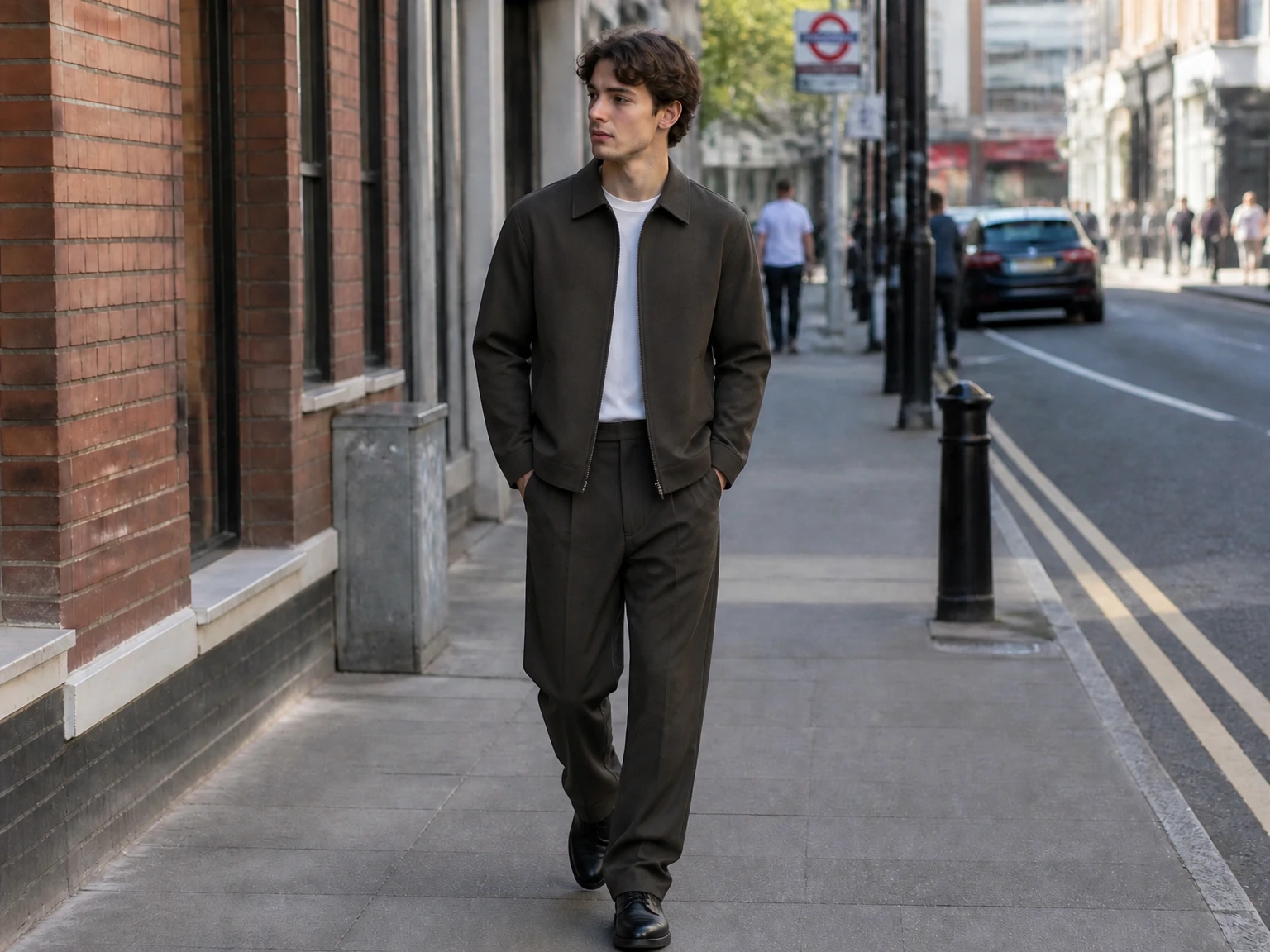
Change the brown jacket, brown trousers, and black shoes to a navy t-shirt, blue jeans, and white sneakers. Keep the face, hairstyle, pose, sidewalk, brick wall, and street the same.
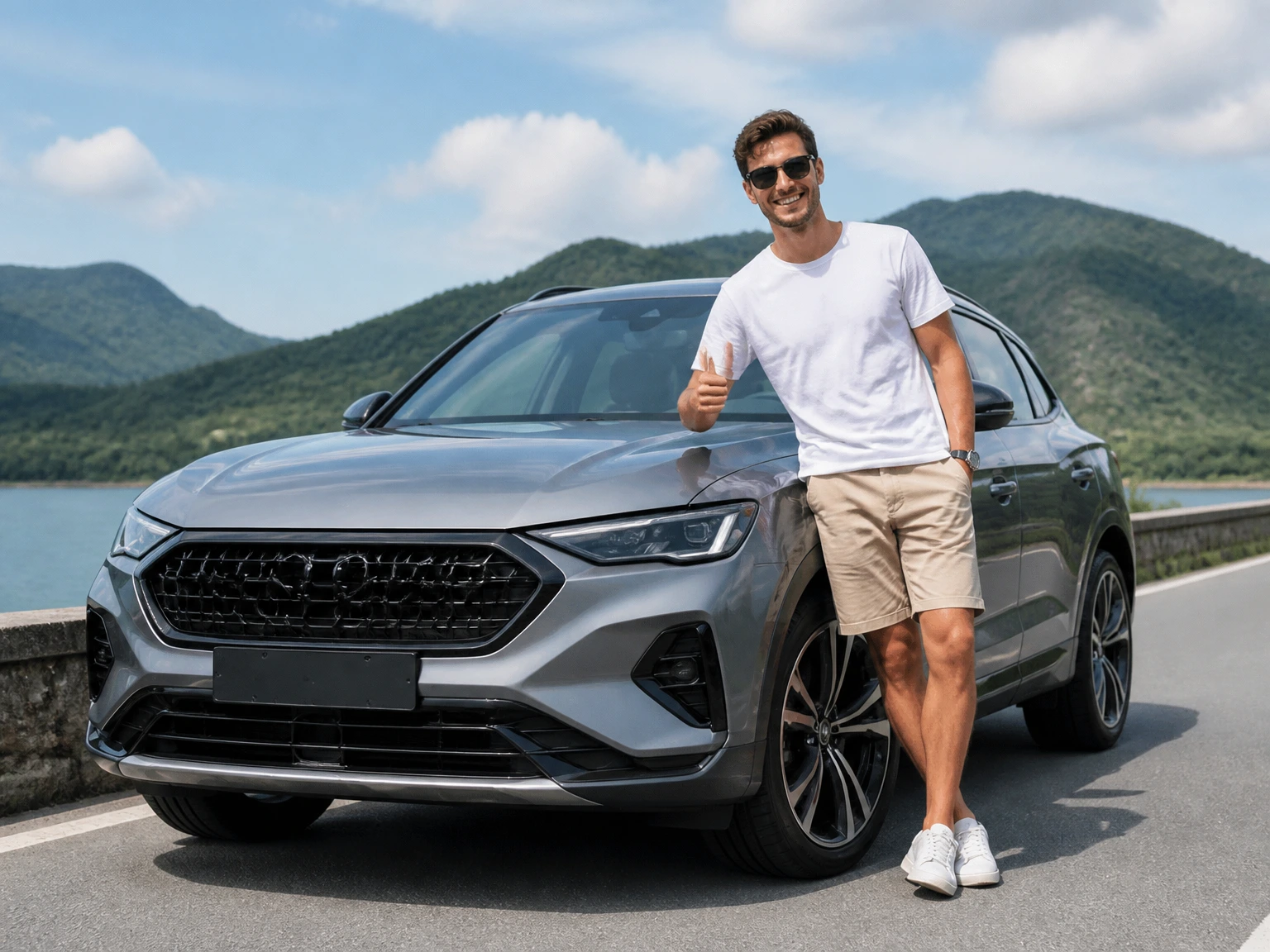
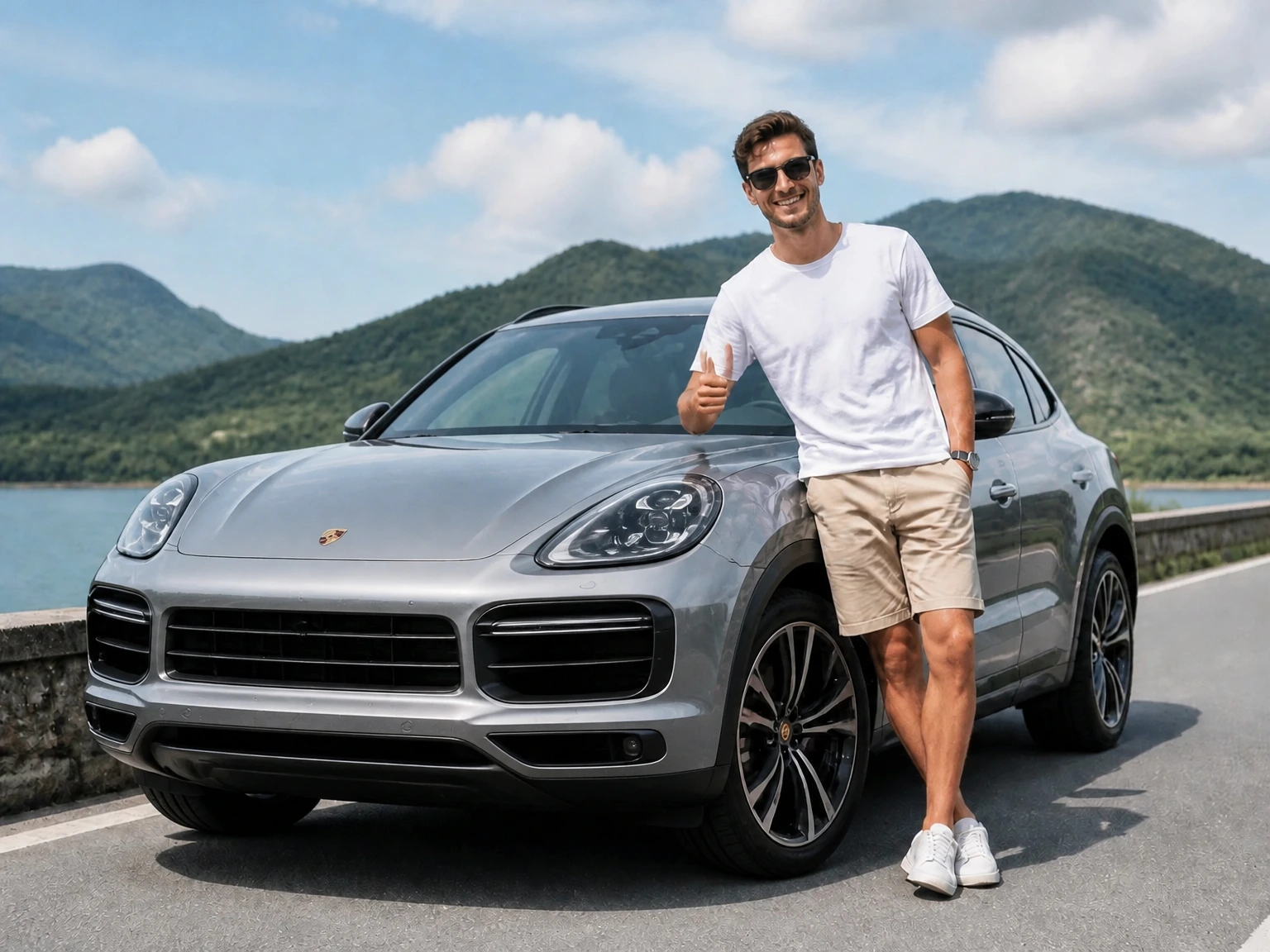
Change the gray SUV into a silver Porsche Cayenne. Keep the man, his face, pose, white t-shirt, beige shorts, sunglasses, road, lake, mountains, and sky the same.
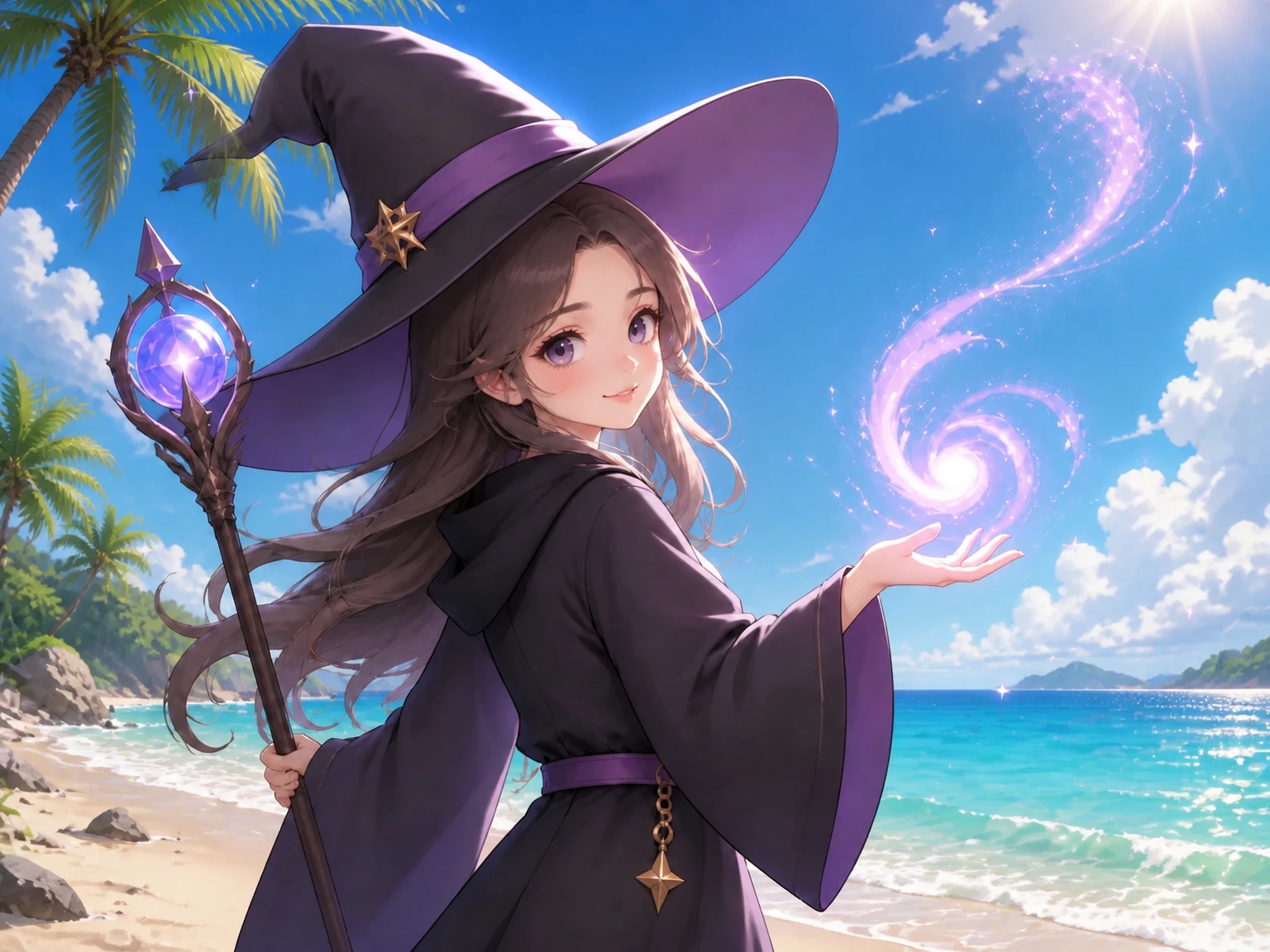
Change the tulip field, river, and castle into a dry golden meadow with distant mountains. Keep the woman, her face, hairstyle, beige hat, clothes, and pose the same.
Change the weapon and shield in his hands. Keep the man, his face, pose, clothes, and the background the same.
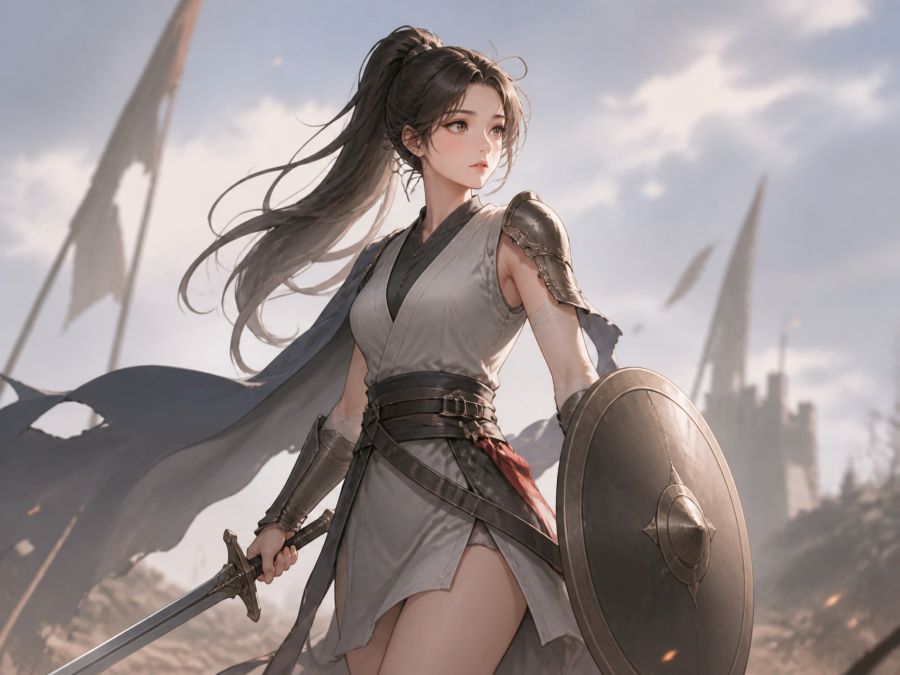
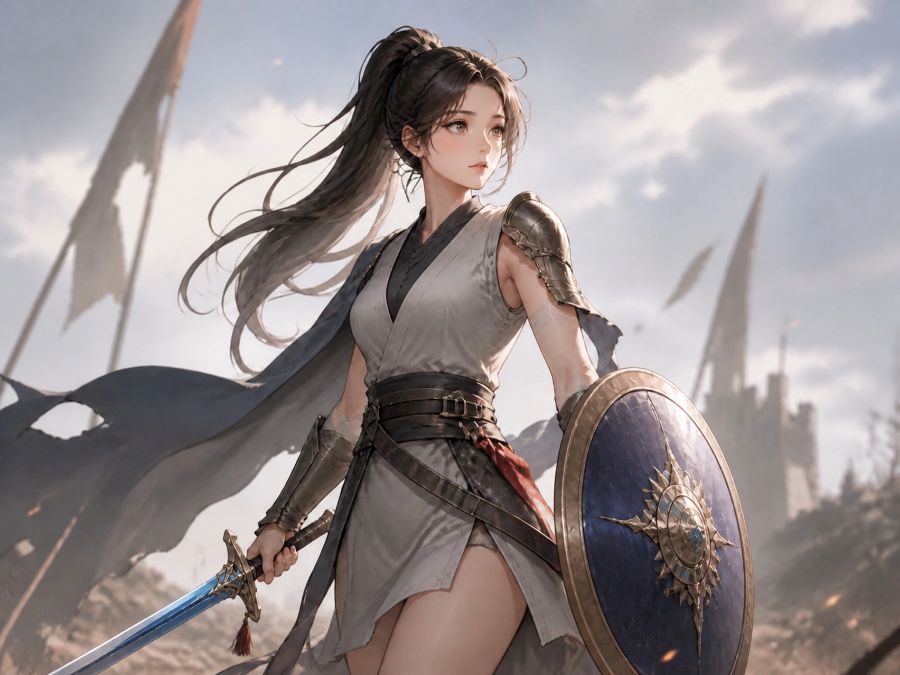
Add a JPG, PNG, or WebP file. You can add up to 4 images.
Describe the edit in plain language, such as change the clothes and keep the face the same.
Choose an AI option, click Generate, then download the restored photo or generated art when it is ready.
You can change outfits, colors, or overall look while keeping the person recognizable.
You can remove backgrounds or place the same person or product into a new scene in 1 click.
Erase people, clutter, watermarks, or other extras and restore the area to match the photo.
You can update lighting, materials, or setting, then restore and enhance product photos for store listings and ads.
Turn an existing photo into new campaign visuals or generated art without starting from scratch.
Clean up blemishes, refresh old shots, and enhance images instantly with a free online AI photo editor.
Yes. You can edit, erase, and enhance images instantly with the daily free quota.
It is an image-to-image editor, not a text-to-image generator. Upload a photo, then generate art, remove backgrounds, or restore photos in 1 click.
You can try the free AI option with the daily free quota.
Paid AI options require credits. Sign in to use credits.
JPG, PNG, and WebP files up to 30 MB are supported.
We do not save your photos on our servers.
Results are stored only in this browser on your computer for 15 days. Download a file if you want to keep it.
 English English
 Deutsch
 Español
 繁體中文
 简体中文
 日本語
 Dansk
 한국어
 Ελληνικά
 Français
 Русский
 Italiano
 Português
 Nederlands
 العربية
 Türkçe
 Bahasa Indonesia
 Polski
 Українська
 Svenska
 Suomi
 Čeština
 Norsk bokmål
 Română
 Magyar
 Slovenčina