
 Images to Text
 Image to Doc
 Image to Excel
 Image Ocr Text
 Handwriting to Text
 Scan image to Text
 Compress Image
 Image Converter
 Crop Image
 Resize image
 Rotate image
 Background Remover
or drop files here
Resize and optimize your images with our professional tool. No signups or installations needed.
Easily Resize Images to Meet Various Requirements
Whether it's for social media posts, e-commerce product displays, website development, or personal portfolios, our tool helps you quickly resize images while maintaining optimal image quality. Use it for free, no registration required, simple operation!
Supporting JPG, PNG, WEBP, and GIF formats, offering multiple adjustment modes to meet different scenario needs. Batch processing allows you to resize multiple images at once, saving time and effort.
Why Choose Our Image Resize Tool?
Free to use - no hidden costs
No registration required
No watermarks added
High-quality output
Process up to 100 images at once
100% secure & private
Core Features
Lossless Quality Adjustment
Using advanced image processing algorithms to maximize the preservation of original image quality during resizing, ensuring image clarity is not affected.
Batch Processing Support
Upload multiple images at once, adjust all images simultaneously, support batch downloading, greatly improving work efficiency and saving valuable time.
Multiple Adjustment Modes
Providing exact size, proportional scaling, custom size, and other adjustment modes to meet the needs of different scenarios, flexible and convenient.
Privacy Protection
All image processing is completed in your browser, with no uploads to our servers, ensuring the security of your image content and protecting personal privacy.
Multi-device Compatibility
Works seamlessly across desktop computers, tablets, and mobile phones. The responsive interface adapts to your screen size for an optimal user experience on any device.
Fast Processing Response
Using efficient algorithms and advanced technology, the image processing speed is fast, completing adjustments in seconds, no waiting, instant download.
How To Use
Upload Images
Click the upload button or drag and drop images to the designated area. Supports PNG, JPG, JPEG, GIF, and WEBP formats, with a maximum size of 100MB per file.
Adjust Settings
Choose the adjustment mode (exact size, proportional scaling, or custom size), enter the desired width and height, and optionally maintain the original aspect ratio.
Download Results
Click the resize button, preview the effect after processing is complete, and when satisfied, download the resized images. Supports single downloads or batch packaging.
Supported Image Formats
JPG
JPEG
PNG
WebP
GIF
Image Resize Application Scenarios

Social Media Optimization
Different social platforms require different image sizes, such as Facebook (1200×630), Instagram (1080×1080), Twitter (1200×675), and more. Use our tool to quickly resize images for optimal display across all platforms.

E-commerce Product Display
Online marketplaces have strict size requirements for product images and detail pages. Our tool can batch process product images to meet platform standards, improve product display quality, and increase sales conversion rates.
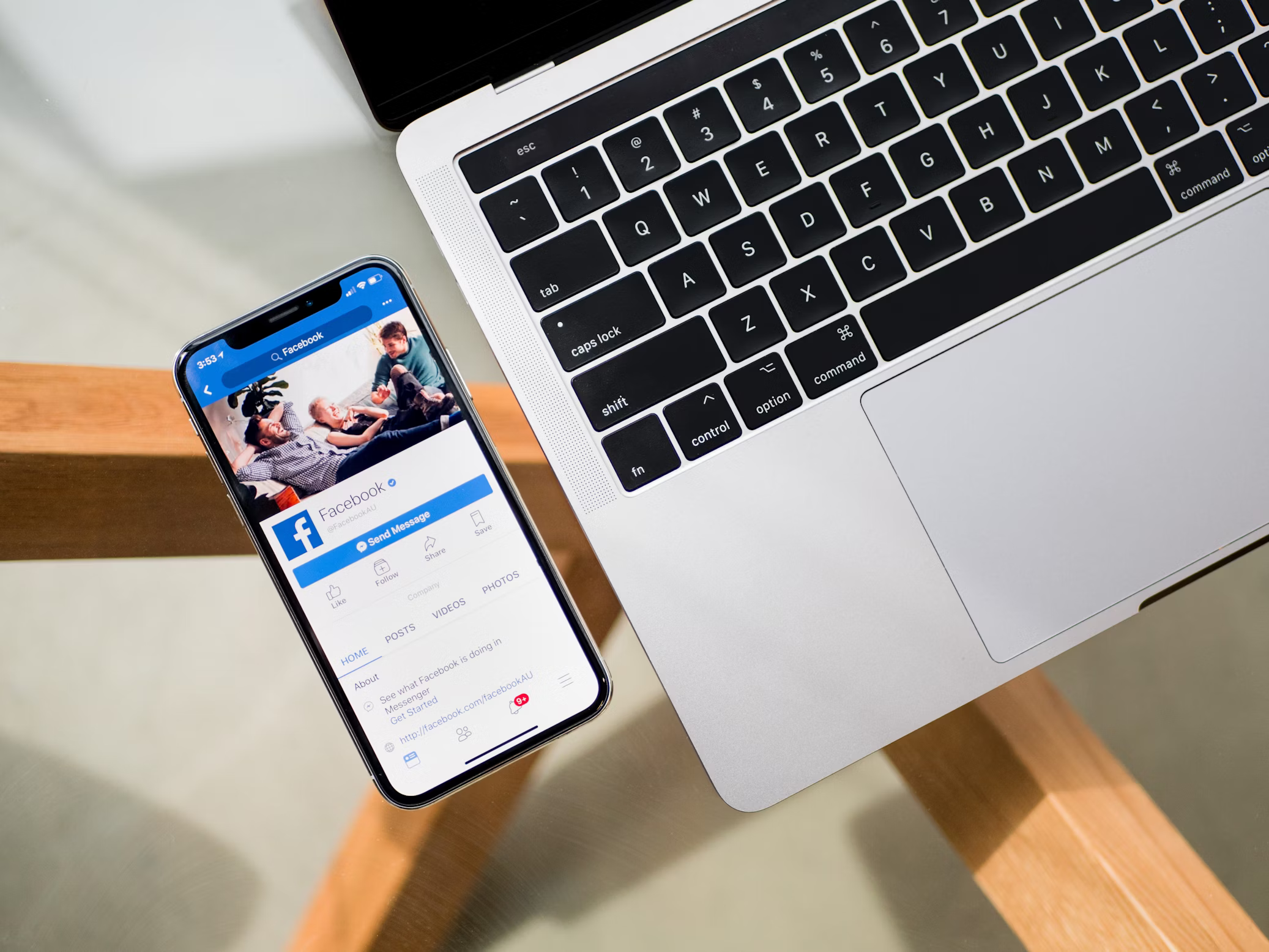
Website Development & Optimization
Website development requires various image sizes, including banners, thumbnails, and backgrounds. Resizing images to appropriate dimensions can improve website loading speed, enhance user experience, and ensure responsive display across different devices.

Print & Publishing Preparation
Adjust image sizes for business cards, posters, brochures, and other printed materials to meet specific print dimensions and resolution requirements. Our tool supports setting precise pixel dimensions or real units like cm/inches for professional printing needs.
What Our Users Say
This is by far the best image resizing tool I've used. Batch processing saved me hours of work when preparing product images for our online store. The quality of the resized images is excellent!

I manage social media for multiple clients and need to resize images constantly. This tool makes it so easy with its predefined templates for different platforms. The interface is intuitive and the results are perfect every time.

As a web developer, I need to optimize images for different devices. This tool is a game-changer for me. The ability to maintain aspect ratios while resizing is crucial, and the quality preservation is impressive.

Frequently Asked Questions
Resizing images usually has some impact on image quality, especially when enlarging images. However, our tool uses advanced image processing algorithms to maintain the original image quality as much as possible during the resizing process. Reducing image size usually doesn't significantly lower quality, but enlarging beyond the original dimensions may cause images to become blurry. For best results, we recommend avoiding excessive enlargement.
In the adjustment options, you can check the "Maintain aspect ratio" option. This way, when you modify either the width or height, the other value will automatically adjust according to the original proportion. This prevents image distortion and maintains the visual appearance of the original image. If you need a specific size regardless of aspect ratio, you can uncheck this option.
Our tool supports uploading and processing up to 100 images at once. Each image can be up to 100MB in size. For large volume image processing needs, we recommend processing in batches to ensure stable browser performance. All processing is done locally, so actual processing speed depends on your device's performance.
Different formats are suitable for different purposes:
- JPG/JPEG: Best for photographs and images with rich colors, smaller file size
- PNG: Supports transparent backgrounds, ideal for logos and images requiring clear edges
- WebP: Modern format, smaller than JPG and PNG while maintaining good quality
- GIF: Supports simple animations, limited colors
In our tool, you can choose to convert to other formats while resizing to meet specific requirements.
Recommended dimensions for various platforms (in pixels):
- Facebook: Profile picture 170×170, Cover photo 820×312
- Instagram: Post 1080×1080, Stories 1080×1920
- Twitter: Profile image 400×400, Header photo 1500×500
- LinkedIn: Profile photo 400×400, Banner image 1584×396
- YouTube: Thumbnail 1280×720, Channel art 2560×1440
Use our tool to quickly resize images to these recommended dimensions for optimal display.
Start Resizing Your Images Now
Our free image resize tool makes it easy to resize multiple images at once while maintaining quality. With support for all popular formats, intuitive controls, and powerful features, you can quickly optimize your images for any purpose - social media, websites, e-commerce, or printing.
Resize Images Now English
  Deutsch
  Español
  繁體中文
繁體中文  简体中文
简体中文  日本語
日本語  Dansk
Dansk  한국어
한국어  Ελληνικά
  Français
  Русский
  Italiano
  Português
  Nederlands
  العربية
  Türkçe
  Bahasa Indonesia
  Polski
  Українська
  Svenska
  Suomi
Suomi  Čeština
  Norsk bokmål
  Română
  Magyar
  Slovenčina