























AI GIF Generator
Describe a short looping GIF. Pick the aspect ratio, size, and how many to generate.
My GIFs 0
Generating GIF...
Generated GIFs will appear here
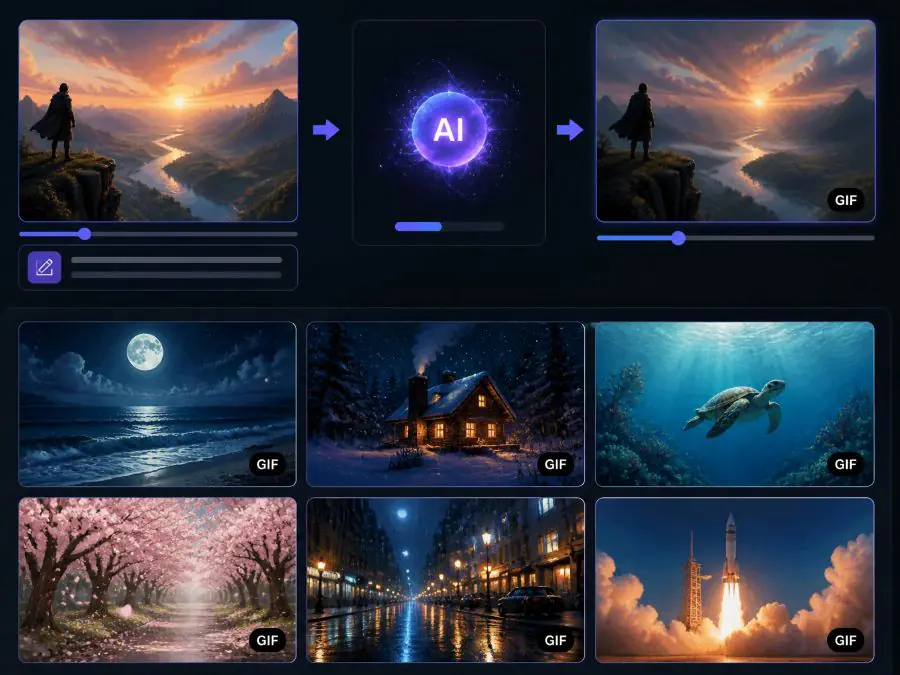
Text to GIF
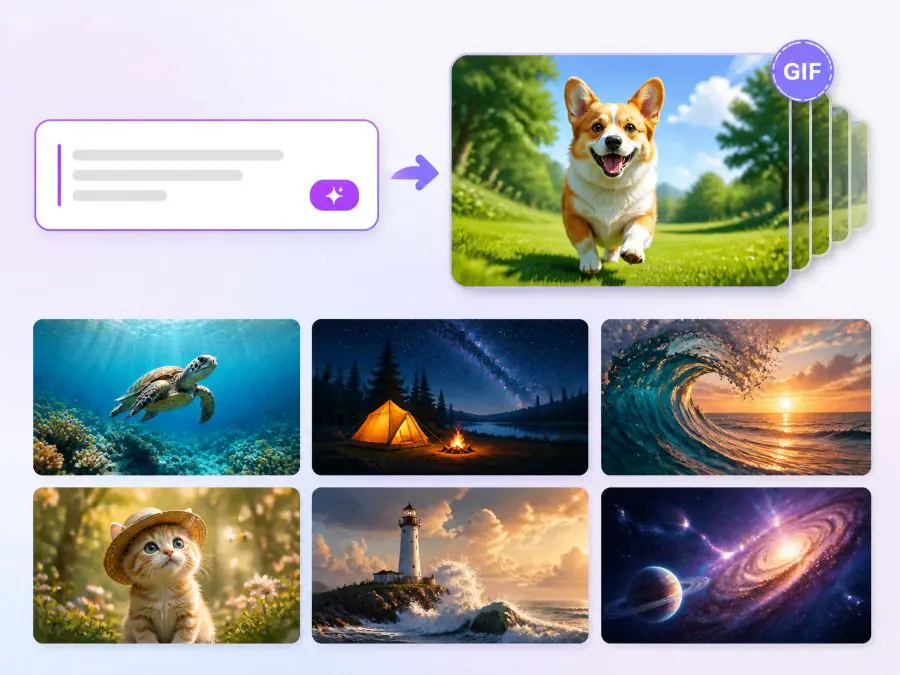
Describe a scene, an action, or a feeling in a few words, and AI turns it into animated frames. Motion, pacing, and transitions are handled for you, so the loop looks smooth instead of pieced together. You do not need to animate frame by frame or open an editor.
GIF examples and prompts

Morning espresso
Frame a coral espresso cup on a teal table. Keep the camera still and let thin wisps of steam curl upward in a gentle loop.

Partly cloudy
Draw a weather icon on an indigo sky. Slowly turn the golden sun’s rays as a cream cloud drifts from side to side.
Lightweight, high-quality output
The animation stays clear while the file size stays under control. That makes a GIF easy to upload, embed, and share across platforms without slowing the page down, so it is ready whenever you need it. It also loads quickly in chat apps and email.
Style and look
Change the tone, mood, or visual direction in the prompt to control how the GIF looks. Make it playful, minimal, cinematic, or bold in the same tool, without switching workflows. Changing the style is as simple as rewriting a sentence or adjusting the prompt.
A fast way to make a GIF online
Making a GIF by hand can take hours. Here, write a clear description of the scene you want, and the animation is ready in a few minutes. You do not need animation skills to turn an idea into a moving picture.
Who a text-to-GIF tool is for
A text prompt becomes a short silent loop of about 1.8 seconds. Use it where a moving file has to stay small.
Chat stickers
Describe one character and one action, such as a wave or a blink, on a plain background. The GIF loops in a chat thread without a video player.
Email and web pages
A lightweight looping GIF can sit in an email or on a page and still load quickly. Ask for a simple motion and a calm background so the file stays easy to share.
Product page loops
Show one product action, such as steam rising from a cup or a lid opening. Use 1:1 or 4:3. The credit cost is shown before you generate.
Icons and interface motion
Name the shape, the color, and where the icon will be used. A short loop can mark loading, weather, or a small status without drawing each frame.
Support replies
A support lead can turn a repeated answer into a white-background sticker. Paste it into a chat reply. No frame-by-frame work, and the file stays light enough for email.
Shop visuals
A shop designer can add a silent product loop to a product page. For a longer clip, a camera move, or a photo as the starting point, use the video tool instead.
AI GIF Generator FAQ
Find answers about GIF files, generation settings, and downloads.
1What is the difference between a GIF and a PNG?
A GIF plays a short loop made of frames. A PNG stores one still picture. Both are pixel images, so a large zoom can look blurry. Choose a GIF when the picture should move, and a PNG when it should stay still.
2Can AI generate a GIF icon?
Yes. Describe the use, shape, and colors. For example, “a simple blue cloud icon for a weather app, with a gentle loop.” A text prompt can also create a logo or an illustration.
3Which models can I use?
Choose a model from the list. After you choose one, check the credits shown for that generation.
4Can I generate more than one GIF at a time?
Yes. Choose how many results you want. The Generate button shows the total credits for that request.
5Can I upload a reference image?
The GIF tool creates the animation from your text prompt. Describe the style, outline, and colors you want in the prompt.
6Where do I download the GIF?
Download the GIF after it is generated. Earlier results stay in My GIFs.
 Images to Text
 Image to Doc
 Image to Excel
 Compress Image
 Image Converter
 Crop Image
 Resize image
 Rotate image
 Background Remover